RPXL
Simple,
secure,
server less,
collaboration.
secure,
server less,
collaboration.
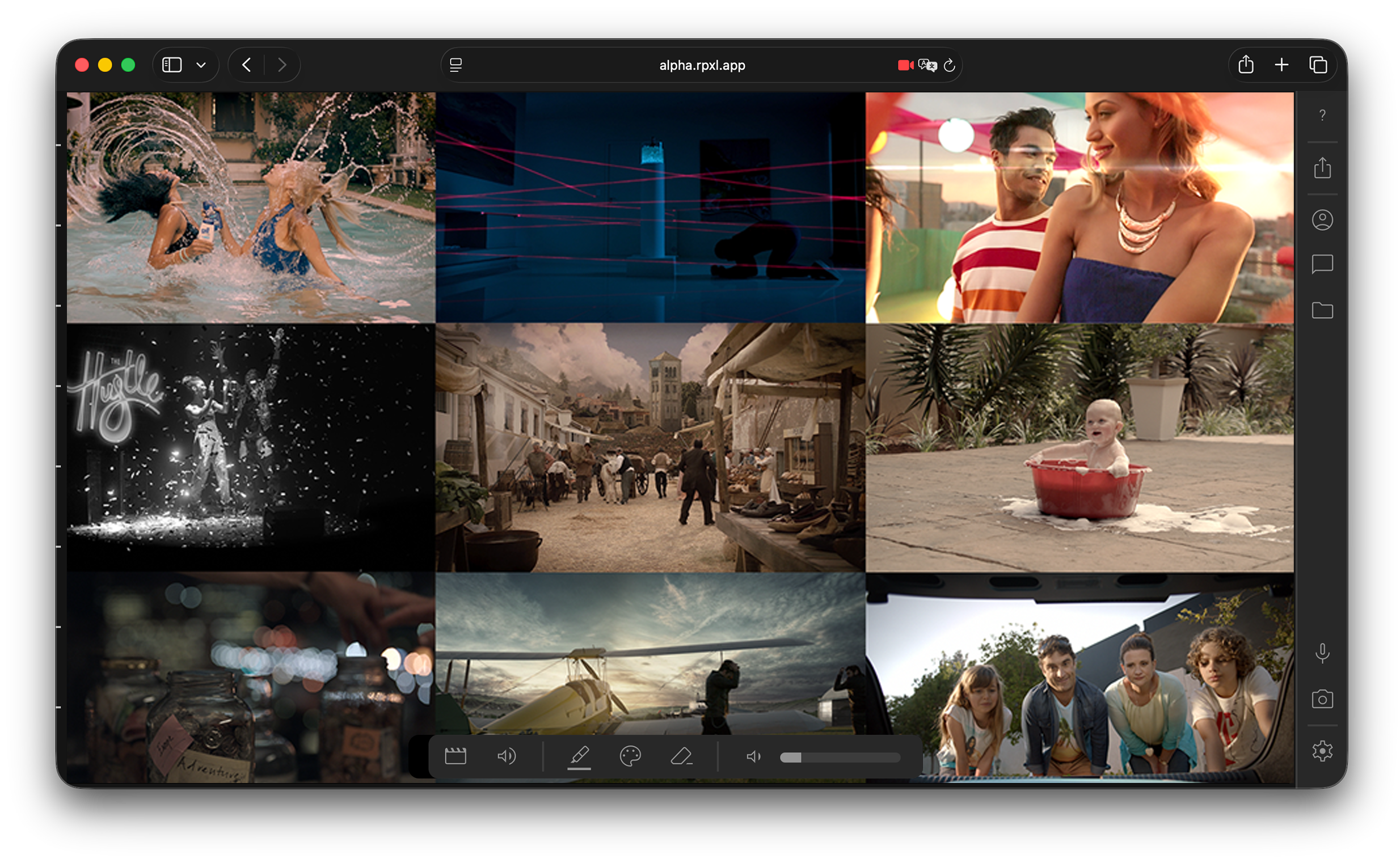
After a bit of frustration with the usual meeting software we created our own for the admittedly niche user case of online video approvals using the vdo ninja sdk. It replicates a lot of the usual features but there are some that are unique to the client in suite experience.
Using a peer to peer model and low latency webRTC for instant, high quality streaming from anywhere, to anywhere. RPXL is an optimised front end, focused for realtime, editorial approvals. Typical delay from your timeline to clients should be under two seconds.
It's free, there are no time limits to sessions, no paid tiers, and no collection of data to train AI.
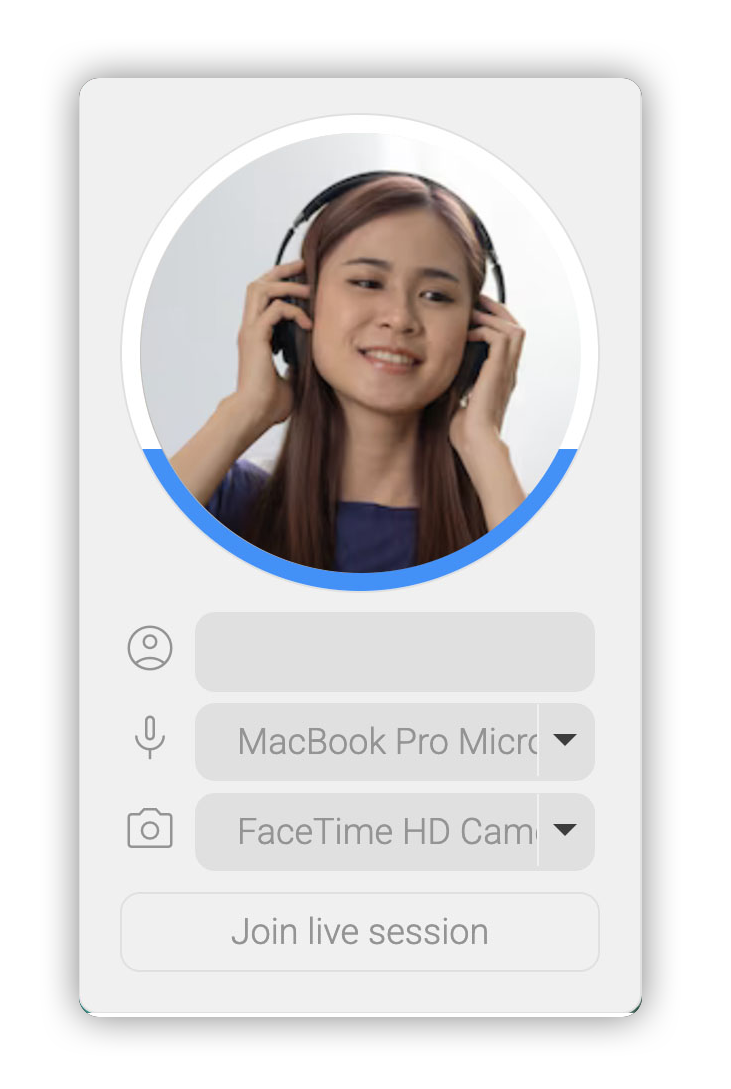
Clients can join via desktop or mobile to view the stream and if they choose to share their microphone or camera they can communicate with others in the room.
Already chatting to someone on the phone and need quick feedback? Use the Quick share link feature, users will be connected directly to the main stream, no login prompts, no device selection.
Nothing to download, nothing to update.
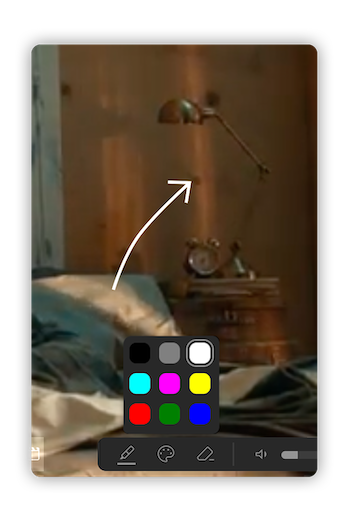
Sometimes it's easier to show than tell.
Simple markup tools allow you to highlight items live on video streams to get your point across.
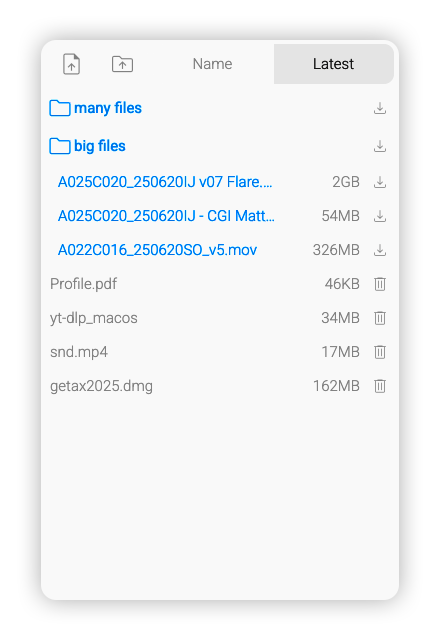
Need to share a file with your peers?
No problem, simply drag a file or folder to the browser and it is instantly available to all connected peers.
Even better, peers can share files back to you or one another in the same way.
Files are never uploaded to a server, RPXL creates a link that allows peers to download, but not modify any files or folders you shared.
And being server less, the moment you disconnect, all shares disappear.
WebRTC was designed to be secure from the start, all transfers are encrypted using DTLS (Datagram Transport Layer Security) and SRTP (Secure Real-time Transport Protocol)
Once the handshake server has negotiated the WebRTC connection no further data is sent through it, no messages, no data, not even state management.
Everything is handled, peer to peer. Which means we don't see your data, we don't record your data and we don't use your data to train AI.
All this is handled invisibly and securely behind the scenes, meaning your data is encrypted and stays encrypted.
Because all encoding is handled locally, the more peers connect, the greater the load on your machine, typically about eight to ten clients should be fine.
In order to capture your video stream from your edit package you will either need a capture device, or alternatively use virtual camera software such as OBS or NDI tools.
We* prioritised speed and ease of use over absolute colour accuracy and audio sync, but it should still be pretty darn good.
It is also strongly recommend using a wired ethernet connection as wifi has some inherit latency issues that can cause delays and dropped frames.
This tool is not meant to replace file sharing services but offer a faster alternative when presenting to smaller groups than current screen sharing apps.
If you've read this far and still want to give it a go, use the button bellow to get started.